
You can globally look for conversations/channels, contacts and settings in the web-/desktop client.
Press ctrl+K and a search overlay will appear.
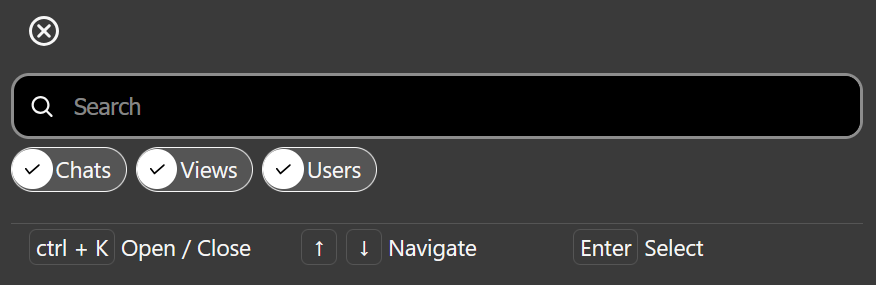
You can search for the name of a contact but also for general terms like “settings”/”channel”.
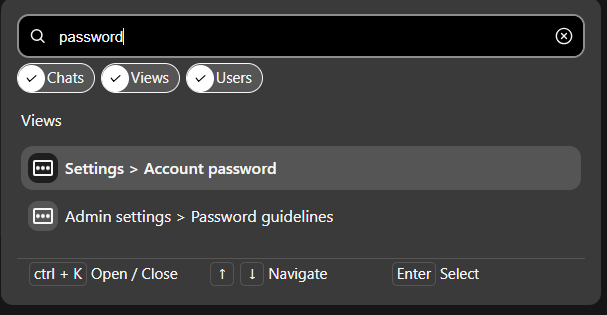
Navigate the result selection with your arrow keys (⬇️ ⬆️) and open the selected result by hitting the or click the result with your mouse.